 Browser
Shared list
QuakeWorld
Fast arena multiplayer through Pieter’s unofficial QuakeWorld browser project.
Browser entryPlay notes
Find browser projects from the Radiant Optimizer shared list, discover more games to play in a tab, and explore related PC setup guides.
40 browser projects · 6 PC guides · Original links
An unofficial browser multiplayer project.
View the project guide ↗Project links, controls and game-file requirements.
Official game entrances and practical setup guides.
BrowserFast arena multiplayer through Pieter’s unofficial QuakeWorld browser project.
 Browser
Ride ramps and practise movement in Surfd’s Source-style browser surfing project.
 Browser
Try the project’s limited shareware demo, or import your own retail Diablo data.
A fan game whose landing page describes data from your own converted Skate 3 copy.
A browser multiplayer preservation project for RTCW, with a substantial first load.
 Browser
A PSP-based football browser project with documented keyboard, gamepad and touch controls.
Use your own Half-Life or Counter-Strike 1.6 data through the WebXash browser frontend.
Pieter’s current ut host identifies Urban Terror multiplayer, despite an older list label.
Project-supplied artwork is not a gameplay test. Read the version notes before opening a host.
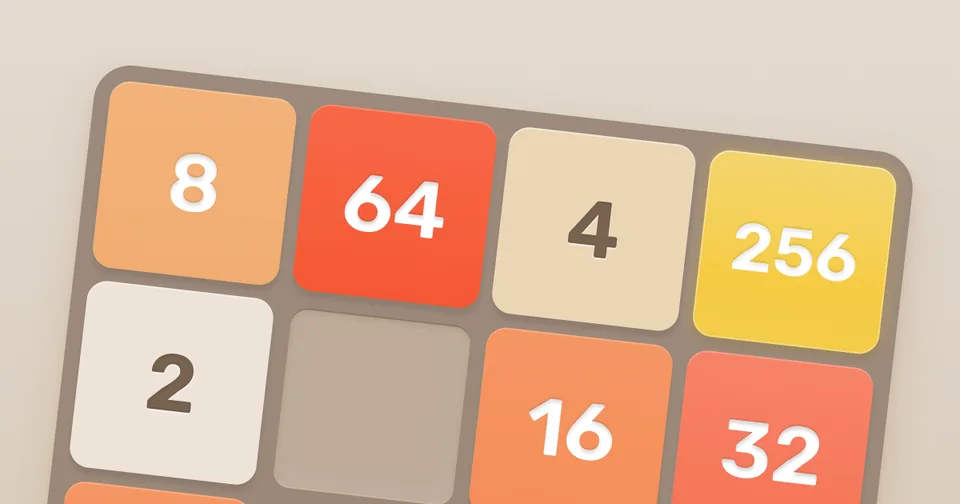 Browser
The number-tile puzzle reached through Gabriele Cirulli’s original project link.
 Browser
Explore the original game and its official hints, encyclopedia and save help.
A futuristic WebGL racing game from creator Thibaut Despoulain.
A creator-hosted HTML5 simulation; the author points phone players to a separate updated edition.
A short point-and-click puzzle about helping a herd of cats escape.
 Browser
An online stacker with solo modes, multiplayer rooms and configurable inputs.
Arrange a small virtual aquarium and observe a simulated ecosystem.
An incremental game about paperclip production, with a desktop-oriented web edition.
Additional creator-hosted games, selected by this directory. These are labeled Browser discovery.
 PC
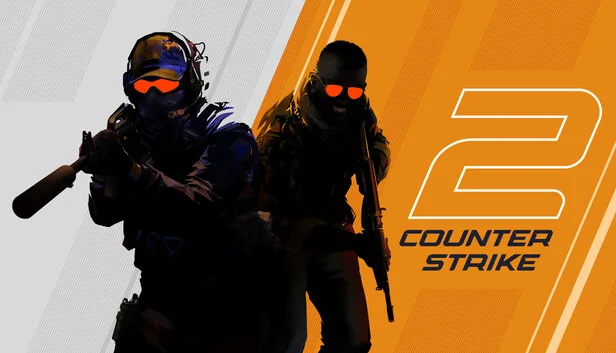
PCSeparate the native Steam game from browser surf projects.
Check Riot’s requirements before investigating performance or startup problems.
Choose the official game destination, then investigate the exact mode and symptom.
Understand the Windows software, its game-profile references, and the separate browser-game collection before choosing an entrance.
Read the guideCheck the version, required files, controls, browser, and saves before choosing a browser-game project.
Read the guideUse a repeatable comparison to investigate a PC game symptom and keep performance claims tied to actual evidence.
The phrase can lead to Radiant’s Windows software and to browser games shared by its account. Choose the collection that matches what you want to do.
They run on separate project sites. Their own requirements determine access; this directory does not require an optimizer purchase.
No. Some projects need your own game data or provide a limited demo. The cards identify those setup paths.
No. PC guides explain sources and a comparison workflow. They do not publish measured FPS gains.