- Destination
- Browser project
- Device
- Desktop
- Setup
- Browser entry
- Collection
- Shared list
- Our check
- Source / page only
Surfing, rather than a CS2 match
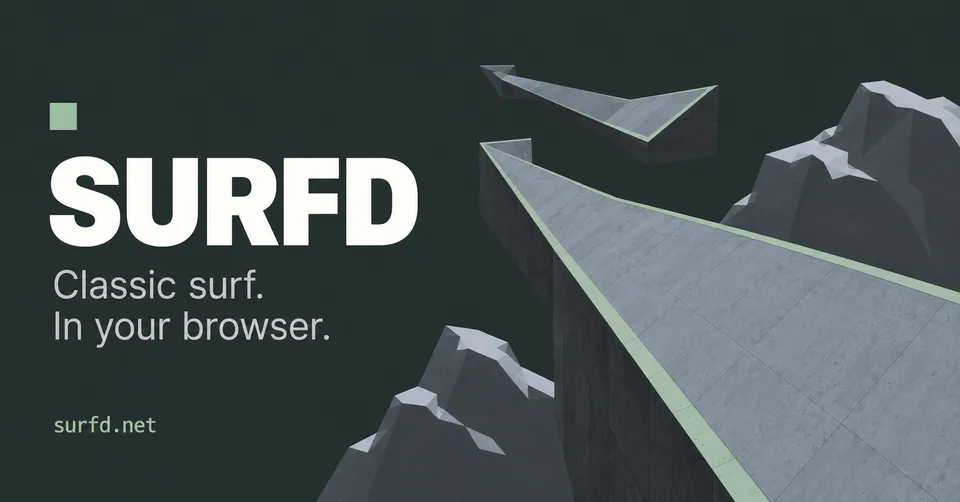
Surfd is a Source-style movement project. Its page offers courses, practice options, and its own controls. It is not an official Counter-Strike 2 download or a full tactical CS2 match.
The mirrored Radiant list calls it CS Surf. We preserve that searchable name and include Surfd so you can recognize the destination.
The controls documented by Surfd
The project lists WASD movement, mouse look, Space or wheel-down for jump, Shift for duck, and Escape for the menu. Its surfing instructions say to release W on a ramp and strafe toward the ramp face.
Begin with the project’s practice options and read the controls panel before changing bindings. We have not completed a course or compared timing records.
Start with one course
Open Surfd in a desktop browser with a keyboard and mouse. Let the selected map finish loading, then follow the Play prompt.
If movement works but camera input does not, check the project’s mouse-capture instructions. Settings and bindings belong to Surfd; this directory does not change them for you.
Good questions. Clear answers.
Is this Counter-Strike 2 online?
No. The destination is Surfd, a separate browser movement project.
Does it support touch controls?
The source page reviewed describes desktop keyboard and mouse play. Touch gameplay is not established here.
Sources and review
Source review: . Gameplay and performance are not tested by this directory.